
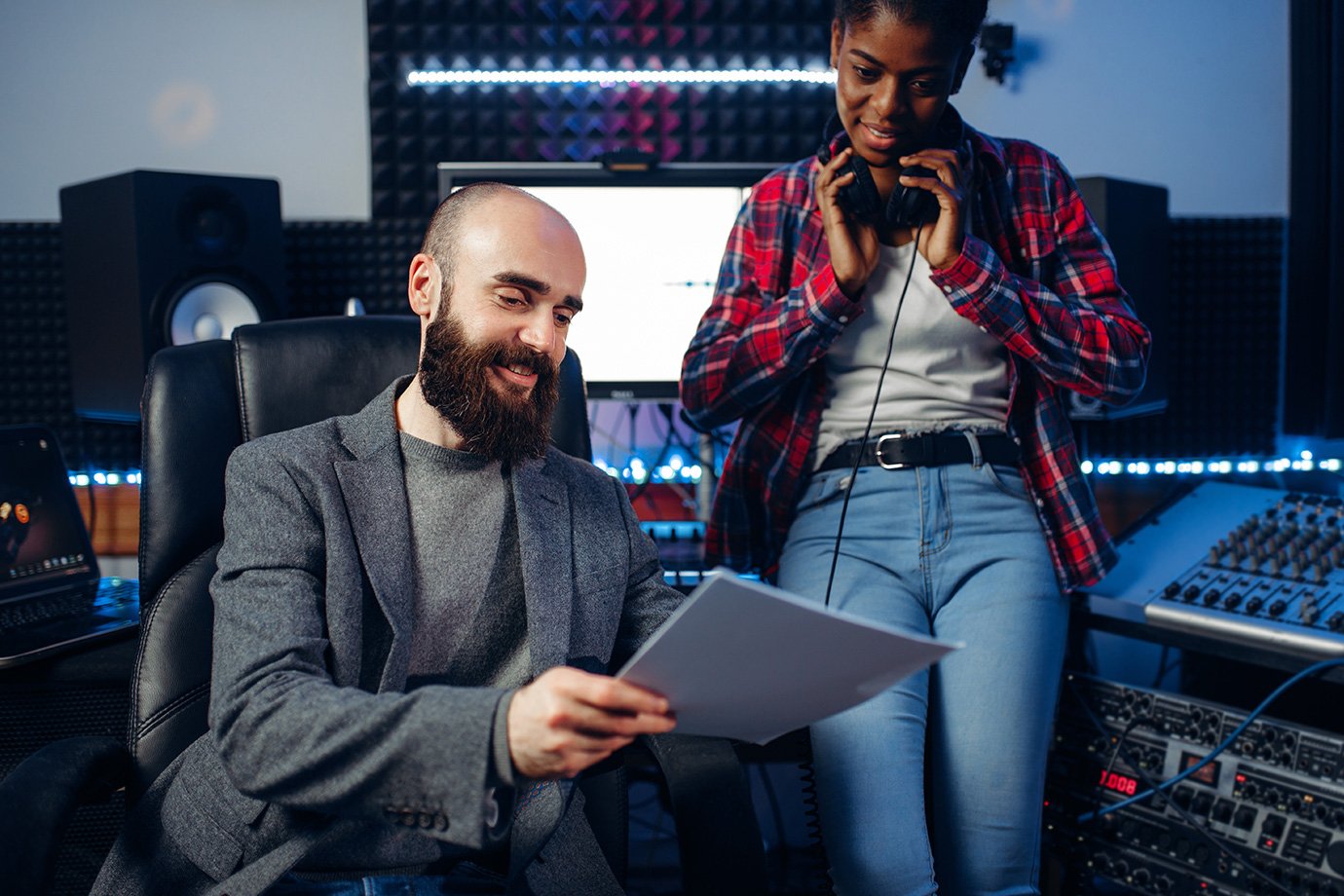


Great event audio doesn’t usually come from luck. It comes from knowing where to plug in and how to handle the messy moments. Most event venues already have an audio desk at the back of the room and tapping into it is often the simplest way to capture clean, direct sound for event coverage videos. To ensure high-quality audio in event coverage videos, we focus on the real-world techniques that make events sound clear, professional and watchable.
High-quality event audio starts with capturing sound directly from the venue’s audio system and having a clear plan for Q&A sessions, where audio quality often falls apart. Using roving microphones, asking presenters to paraphrase questions or replacing unclear questions with on-screen titles are proven ways to keep dialogue understandable and the story intact. These small but strategic choices make a huge difference to how polished and engaging the final video feels.
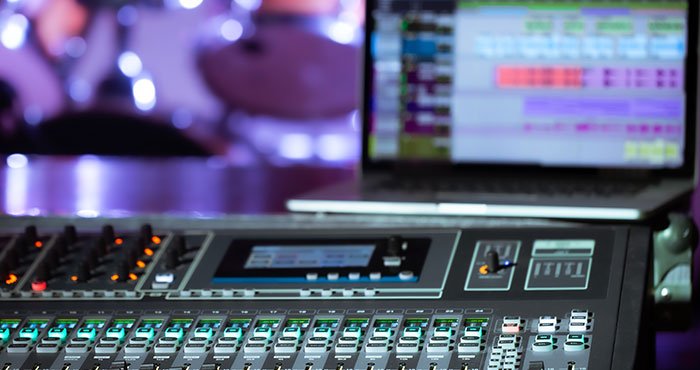
If you want your event coverage videos to sound as good as they look, even during audience Q&A, read on for practical tips you can apply before, during and after the event.
How to Ensure High-Quality Audio in Event Coverage Videos: An Overview
At most event venues, the audio desk is located at the back of the room. Tapping into it lets you capture clean, direct sound from the microphones and presentation system.
One of the biggest challenges with event audio is the Q&A session. Questions are often asked from different areas of the room, which makes them difficult or impossible to hear on the recording. There are several effective ways to manage this:
- Use roving microphones
Provide one or two roving mics and ask the presenter to remind audience members to wait for a microphone before asking their question. This ensures the question is audible to the audience and captured clearly in the recording.
- Have the presenter paraphrase the question
If roving microphones aren’t available, ask the presenter to briefly repeat or paraphrase each question before responding. This keeps the context clear for viewers watching later. - Edit questions using on-screen titles
Create a dedicated ‘Audience Questions’ section at the end of the video. During editing, remove the poorly recorded audience questions and replace them with simple graphic titles that summarise each question before the presenter’s response.
Let’s take a closer look at each of these approaches and how to implement them effectively.
Leverage the Venue Audio Desk for Clear Sound
Most event venues position the audio desk at the back of the room, which gives access to the main microphones, presentation system and other audio feeds. Connecting to the audio desk lets you capture clean, direct sound without the interference or background noise that often comes from room microphones or cameras.
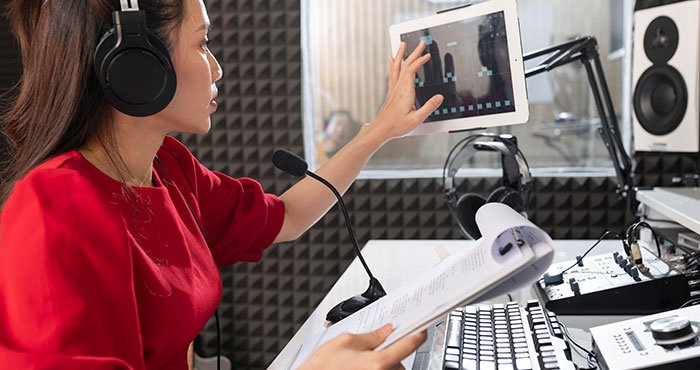
This approach improves the clarity of speakers and presentations while ensuring recordings are professional-quality and effective for training, marketing, or archival purposes.
Tips:
- Brief the AV team before the event so they know which feeds to provide
- Test the audio desk connection ahead of time to confirm levels and routing
- Bring backup cables or adapters to ensure compatibility with your recording equipment
Use Roving Microphones for Audience Questions
Roving microphones are one of the most reliable ways to capture clear audience questions during live events. By having one or two handheld microphones circulating the room, you ensure questions are picked up properly and heard by both the live audience and the recording.
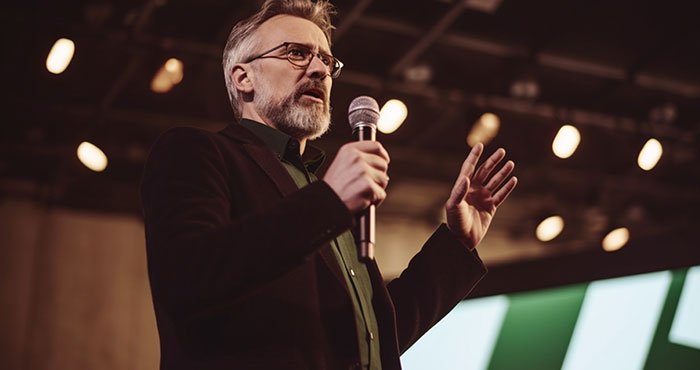
Ask the presenter to remind attendees to wait for a microphone before asking their question. This small instruction makes a big difference to audio quality and keeps the session organised.
Tips:
- Brief the presenter and AV team before the event
- Use multiple roving mics for larger rooms
- Assign a staff member to manage microphone hand-off
Have the Presenter Paraphrase the Question
If roving microphones aren’t available, having the presenter repeat or paraphrase each question before answering is a simple and effective workaround. This ensures viewers watching the recording understand the context, even if the original question isn’t clearly audible.
Paraphrasing also helps tighten responses and keeps the discussion focused, which is especially useful for training or educational content.
Tips:
- Ask presenters to repeat the question naturally, not word-for-word
- Encourage concise summaries to avoid slowing the session
- Practice this approach during rehearsals if possible
Use On-Screen Graphics to Replace Audience Questions
For recorded content, a clean post-production solution is to remove the poorly recorded audience questions entirely and replace them with on-screen titles. This works particularly well when the Q&A is presented as a standalone ‘Audience Questions’ section at the end of the video.
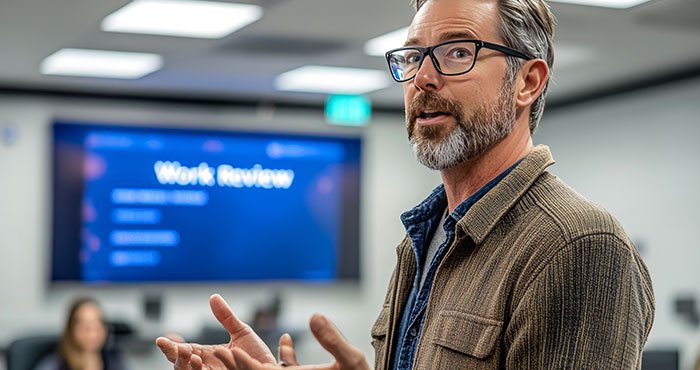
Simple text graphics can clearly summarise each question before the presenter’s response, improving clarity and making the video easier to follow.
Tips:
- Keep question titles short and clear
- Use consistent graphic styling throughout
- This approach works best for edited training or replay content
Final Thoughts
Ensuring high-quality audio in event coverage videos is just as important as capturing strong visuals. Clear dialogue, balanced ambience and professional sound design elevate the viewing experience and reflect positively on the event itself. With these tips, event videos become more engaging, immersive and memorable.
Ready to Capture Event Audio That Sounds as Good as It Looks?
At Channel 1 Creative Media, we specialise in professional event coverage that prioritises both exceptional visuals and crystal-clear audio. From microphone selection and live monitoring to detailed post-production mixing, our team ensures every word, reaction and moment is captured with precision.Call us on 0387430488 or visit our Contact Us page to discuss your next event video. Let’s create coverage that truly sounds as impressive as it looks.