
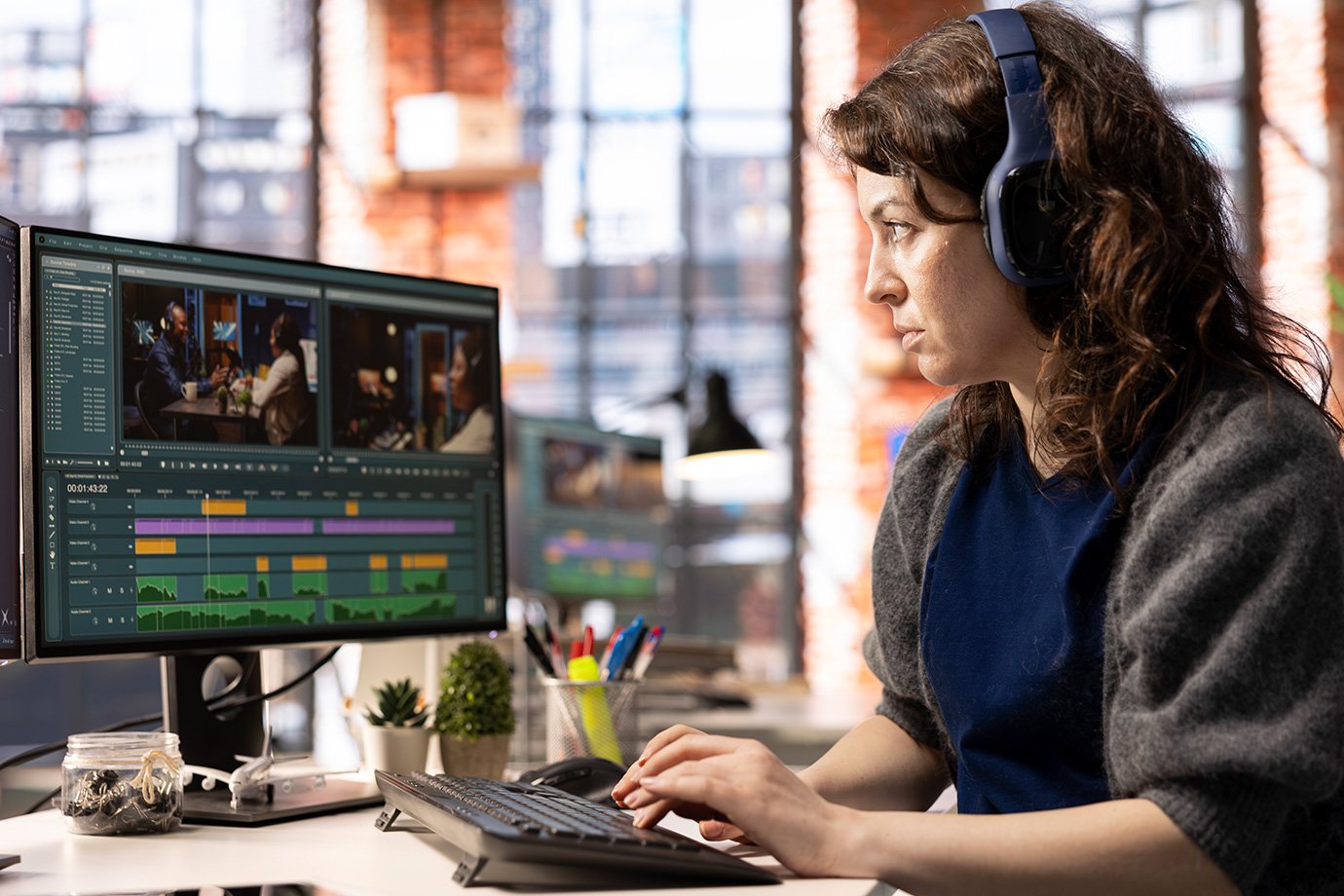


Ever watched an event video that felt long, flat or hard to follow, even though the event itself was great? That usually comes down to editing. The way footage is structured, trimmed and presented determines whether viewers stay engaged or switch off early.
Editing event videos for maximum impact means shaping a clear story, tightening pacing, prioritising key moments and ensuring audio and visuals work together seamlessly. It also involves making smart decisions about transitions, graphics and length so the final video feels purposeful rather than overwhelming.
If you want your event videos to feel sharp, engaging and professionally crafted, this guide breaks down the practical editing decisions that make the biggest difference.
How to Edit Event Videos for Maximum Impact: An Overview
To create a strong, engaging event video, focus on these core editing principles:
- Define a clear story or purpose
- Trim footage to maintain pacing
- Prioritise key moments and highlights
- Use clean, purposeful transitions
- Balance audio for clarity and consistency
- Add graphics and branding thoughtfully
Below, we explore each of these in detail so you can turn raw event footage into a polished video that holds attention and communicates value.
Start with a Clear Story or Purpose
Before you begin editing, step back and ask: what is this video meant to achieve?
Event footage often includes hours of material, but not all of it belongs in the final cut. A clear purpose helps you decide what to keep and what to remove. Your goal might be to promote future events, showcase key speakers or provide a recap for attendees.
For example:
- A highlight reel focuses on energy, key moments and atmosphere
- A training or recap video prioritises clarity and structure
- A promotional video emphasises brand, audience engagement and outcomes
Tips:
- Define the primary goal before opening your editing timeline
- Choose footage that supports that goal, not just what looks good
- Keep the audience in mind at every step
A clear direction ensures your video feels intentional rather than a collection of random clips.
Trim Footage to Maintain Strong Pacing
One of the most common issues in event videos is slow pacing. Long pauses, repeated ideas or unnecessary footage can quickly reduce engagement.
Editing for impact means tightening every section so the video flows naturally without dragging. This doesn’t mean rushing. It means removing anything that doesn’t add value.
For example:
- Cut long introductions down to key points
- Remove repeated phrases or off-topic comments
- Shorten gaps between sentences or transitions
Tips:
- Watch your edit as a viewer, not the editor
- If a section feels slow, it likely needs trimming
- Aim for clarity and momentum, not just completeness
A well-paced video keeps viewers focused and makes the content easier to absorb.
Highlight the Most Important Moments
Not every part of an event carries the same weight. Strong editing brings forward the moments that matter most and reduces everything else.
Key moments often include:
- Speaker insights or memorable quotes
- Audience reactions and engagement
- Key announcements or takeaways
- Visual highlights that capture the atmosphere
Rather than presenting the event in full, shape the video around these moments to create a more engaging experience.
Tips:
- Identify standout moments before building your timeline
- Use close-ups or cutaways to emphasise important points
- Avoid overloading the video with too many similar clips
This approach helps your video feel focused and purposeful, rather than long and repetitive.
Use Transitions That Support the Content
Transitions play a subtle but important role in how your video feels. Overly complex or frequent transitions can distract from the content, while clean, simple cuts often work best.
In most cases, straight cuts or gentle fades create a more professional result. They allow the content to lead without unnecessary visual effects.
Examples:
- Use simple cuts for speaker segments
- Apply fade transitions for section changes
- Avoid flashy effects that don’t match the tone of the event
Tips:
- Keep transitions consistent throughout the video
- Let the content drive the edit, not the effects
- Use transitions to guide the viewer, not overwhelm them
When transitions are used thoughtfully, they improve flow without drawing attention to themselves.
Ensure Clear and Balanced Audio
Audio quality has a direct impact on how professional your event video feels. Even strong visuals won’t hold attention if the sound is unclear or inconsistent.
During editing, focus on creating balanced, easy-to-follow audio across the entire video.
This includes:
- Adjusting volume levels so speakers are consistent
- Removing background noise where possible
- Ensuring music does not overpower dialogue
For example, if you include background music in a highlight reel, it should support the visuals without making speech difficult to hear.
Tips:
- Prioritise clarity of speech over all other audio elements
- Use subtle music to enhance, not dominate
- Check audio levels across different sections of the video
Clear audio helps viewers stay engaged and understand the message without effort.
Add Graphics and Branding with Purpose
Graphics and branding elements can strengthen your video, but only when used thoughtfully. Overuse can make the video feel cluttered or distracting.
Common elements include:
- Intro and outro titles
- Lower-thirds for speaker names and roles
- Logo placement
- On-screen text to reinforce key points
These additions should support the content and improve clarity, not compete with it.
Tips:
- Keep text short and easy to read
- Use consistent fonts and colours aligned with your brand
- Avoid adding graphics that don’t serve a clear purpose
Well-placed graphics help guide the viewer and reinforce your message.
Structure the Video for Easy Viewing
A strong event video has a clear structure that guides the viewer from start to finish. Without this, even well-edited footage can feel disjointed.
A simple structure might include:
- Opening hook or highlight moment
- Introduction or context
- Main content sections
- Key takeaways or closing moments
For longer videos, breaking content into sections helps viewers follow along more easily.
Tips:
- Start with a moment that captures attention quickly
- Group similar content together for clarity
- End with a clear and purposeful conclusion
A well-structured video feels cohesive and easier to watch, even when covering complex events.
Optimise Video Length for Your Audience
Length plays a key role in engagement. A video that is too long risks losing attention, while one that is too short may lack depth.
The ideal length depends on the purpose:
- Highlight reels are often short and fast-paced
- Training or recap videos may be longer but structured
- Promotional content should stay concise and focused
Instead of aiming for a specific duration, focus on delivering value without unnecessary content.
Tips:
- Remove anything that doesn’t support the goal
- Consider creating multiple versions for different uses
- Keep the audience’s attention span in mind
A well-edited video respects the viewer’s time while still delivering meaningful content.
Review and Refine Before Final Delivery
Before finalising your event video, take time to review it carefully. Small adjustments can significantly improve the final result.
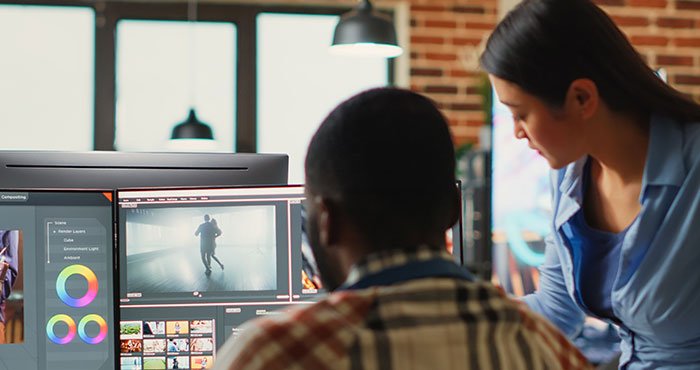
Watch the video from start to finish and ask:
- Does the pacing feel natural?
- Are key messages clear?
- Is the audio consistent throughout?
- Does the video achieve its intended purpose?
It can also help to get feedback from someone who wasn’t involved in the editing process.
Tips:
- Step away from the edit before reviewing
- Check the video on different devices if possible
- Make final adjustments based on clarity and flow
A thorough review ensures your video meets a professional standard and communicates effectively.
Final Thoughts
Editing plays a central role in how an event is experienced after it ends. A well-edited video highlights the most important moments, maintains strong pacing and presents content in a clear, engaging way. Focusing on structure, audio clarity, purposeful visuals and a defined message allows you to transform raw footage into a polished video that reflects the quality of the event itself.
Ready to Create Event Videos That Leave a Lasting Impact?
At Channel 1 Creative Media, we specialise in professional event video production and editing tailored to Australian businesses and organisations. From structuring your content to refining audio and visuals, we ensure every detail works together to deliver a clear, engaging final result.Call us on 0387430488 or visit our Contact Us page to discuss your event video project. Let’s create content that captures your event and presents it with real impact.